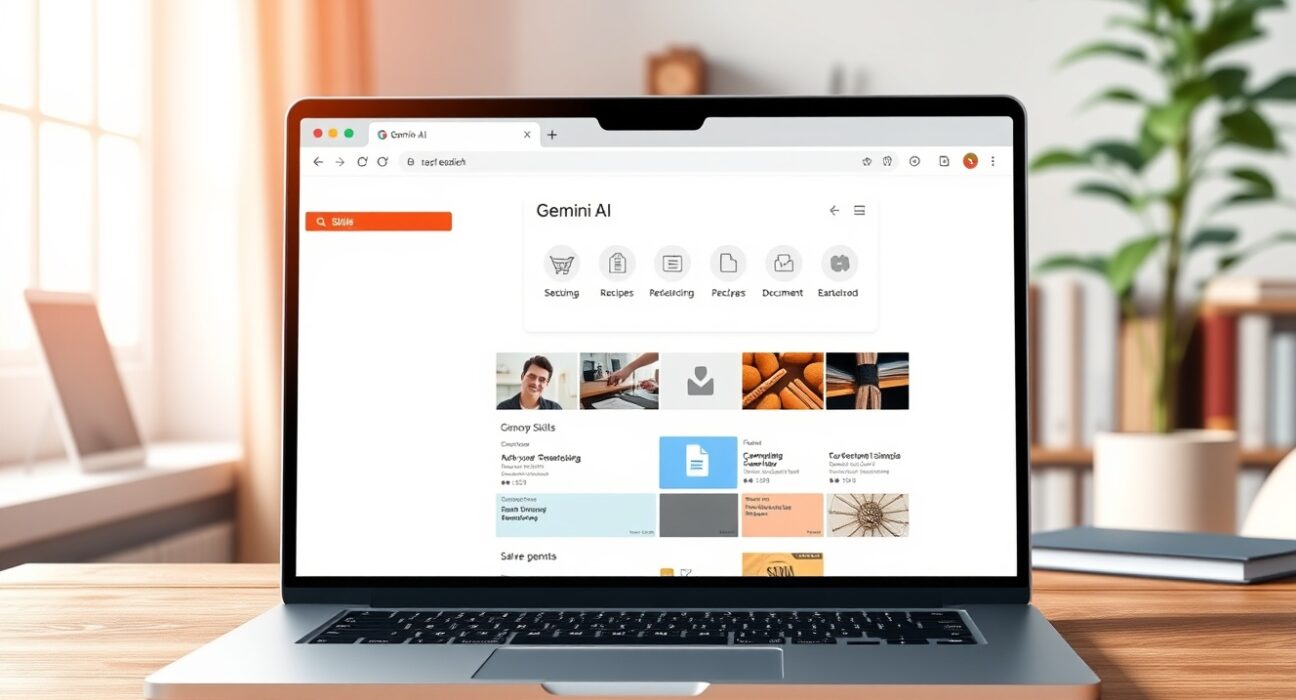
Google has unveiled a transformative new feature called Skills for its Chrome browser, fundamentally changing how users interact with artificial intelligence across the web. Announced on Tuesday, April 30, from San Francisco, CA, this innovation represents Google’s latest move in the intensifying browser AI wars. The feature leverages Gemini integration to let users save and reuse their most valuable AI prompts across different websites with a single click.
Chrome AI Skills: A New Era of Browser Automation
Google’s new Skills feature directly addresses a common frustration with AI assistants: repetitive typing. Currently, users must retype similar prompts when visiting different websites. For instance, someone comparing product prices across multiple retailers must ask for comparisons repeatedly. Similarly, researchers summarizing lengthy documents face redundant prompting. Skills eliminates this friction by creating reusable AI workflows.
The technology builds upon Google’s existing Gemini integration in Chrome. Gemini already enables webpage questioning, summarization, and task completion. Skills extends these capabilities significantly. Users can now preserve their most effective prompts as permanent browser tools. This development arrives amid growing competition from OpenAI’s Atlas, Perplexity’s Comet, and The Browser Company’s Dia.
How Chrome Skills Work in Practice
Accessing the feature requires a simple process. Users save an AI prompt as a Skill directly from their chat history. They can then reuse it in Gemini by typing a forward slash (/) or clicking the plus sign (+) button. The Skill executes on the currently viewed webpage and any selected additional tabs. Google emphasizes that users maintain full control. They can edit Skills at any time to refine their functionality.
Early testing reveals compelling use cases. Adopters frequently employ Skills for:
- Health and wellness tracking – Calculating protein macros in recipes
- Smart shopping comparisons – Analyzing prices and specifications across retailers
- Document processing – Scanning and summarizing lengthy reports or articles
- Recipe customization – Finding vegan substitutions or adjusting portion sizes
- Budget management – Extracting financial data from statements
The Technical Implementation and User Safety
Google has implemented important safeguards for the Skills system. Like other Gemini actions in Chrome, Skills request user confirmation before performing sensitive operations. These operations include sending emails or adding calendar events. This precaution prevents unintended automation of critical tasks. The feature initially rolls out to Chrome desktop users signed into their Google accounts.
Language support begins with English (US) only. Google will likely expand availability based on adoption rates and user feedback. The company’s phased rollout approach mirrors previous Chrome feature releases. It allows for stability monitoring and gradual scaling.
The Competitive Browser AI Landscape
Google’s announcement responds directly to recent moves by competitors. OpenAI launched its Atlas browser with advanced AI integration last month. Perplexity’s Comet browser focuses on research and citation capabilities. The Browser Company’s Dia emphasizes contextual awareness and personalization. Each company approaches browser AI differently.
| Browser | AI Assistant | Key Feature | Unique Approach |
|---|---|---|---|
| Google Chrome | Gemini | Skills for prompt reuse | Workflow automation across sites |
| OpenAI Atlas | Custom GPT | Deep research integration | Academic and technical focus |
| Perplexity Comet | Perplexity AI | Citation generation | Source verification and linking |
| The Browser Company Dia | Multiple models | Contextual awareness | Personalized browsing experience |
This competitive pressure drives rapid innovation. Browser companies now view AI integration as essential rather than optional. Google’s established user base gives it significant advantage. However, specialized competitors attract niche audiences with tailored features.
Skills Library: Jumpstarting User Adoption
Google recognizes that many users struggle with effective prompt creation. The company addresses this barrier through a Skills library. This collection offers pre-programmed workflows across common categories. Productivity, shopping, recipes, and budgeting represent initial focus areas. Users simply add library Skills to their saved collections.
Customization remains possible for all library Skills. Users can edit prompts to better match their specific needs. This flexibility balances convenience with personalization. The library approach mirrors successful strategies in other software domains. Application marketplaces and template galleries similarly lower adoption barriers.
Real-World Impact and Productivity Gains
Industry analysts predict substantial productivity improvements from Skills adoption. Repeated research suggests that knowledge workers spend significant time on repetitive digital tasks. Automation through saved AI prompts could reclaim hours weekly. The feature’s true power emerges through consistent use across browsing sessions.
Consider a financial analyst researching market reports. They might create a Skill that extracts key metrics from PDF documents. Another Skill could summarize earnings call transcripts. A third might compare financial ratios across companies. Together, these Skills transform Chrome into a specialized research assistant.
Implementation Timeline and Future Developments
Google begins rolling out Skills immediately following the April 30 announcement. The phased release follows standard Chrome deployment patterns. All eligible users should receive access within several weeks. Mobile implementation will likely follow desktop release. Google typically extends successful desktop features to Chrome mobile.
Future developments may include Skills sharing between users. Collaborative workflows could emerge within organizations. Third-party developers might create specialized Skills for professional use. Integration with other Google services represents another likely direction. Calendar, Drive, and Gmail connections could create powerful cross-platform automation.
Conclusion
Google’s Chrome AI Skills feature marks a significant advancement in browser intelligence. The capability to save and reuse Gemini prompts addresses genuine user needs. It reduces friction in daily browsing while enhancing productivity. This development strengthens Google’s position in the competitive browser AI landscape. Skills transforms Chrome from a passive viewing tool into an active assistant. Users gain personalized automation that adapts to their unique workflows. The feature’s success will depend on intuitive implementation and real-world utility. Early indicators suggest strong adoption potential across multiple user segments.
FAQs
Q1: What exactly are Chrome AI Skills?
Chrome AI Skills are reusable Gemini prompts that users can save and execute across different web pages with a single click, eliminating the need to retype common AI requests.
Q2: How do I access the Skills feature in Chrome?
You must be signed into your Google account on Chrome desktop with English (US) language settings. Save prompts from Gemini chat history, then access them by typing / or clicking + in Gemini.
Q3: Can I edit or customize pre-made Skills from Google’s library?
Yes, all Skills—including those from Google’s library—can be fully edited and customized to better fit your specific needs and preferences.
Q4: What safety measures does Google have for Skills automation?
Skills require user confirmation before performing sensitive actions like sending emails or modifying calendars, preventing unintended automated operations.
Q5: When will Skills be available on Chrome mobile browsers?
Google typically releases mobile versions after successful desktop deployment. While not officially announced, mobile availability will likely follow within months.
Disclaimer: The information provided is not trading advice, Bitcoinworld.co.in holds no liability for any investments made based on the information provided on this page. We strongly recommend independent research and/or consultation with a qualified professional before making any investment decisions.