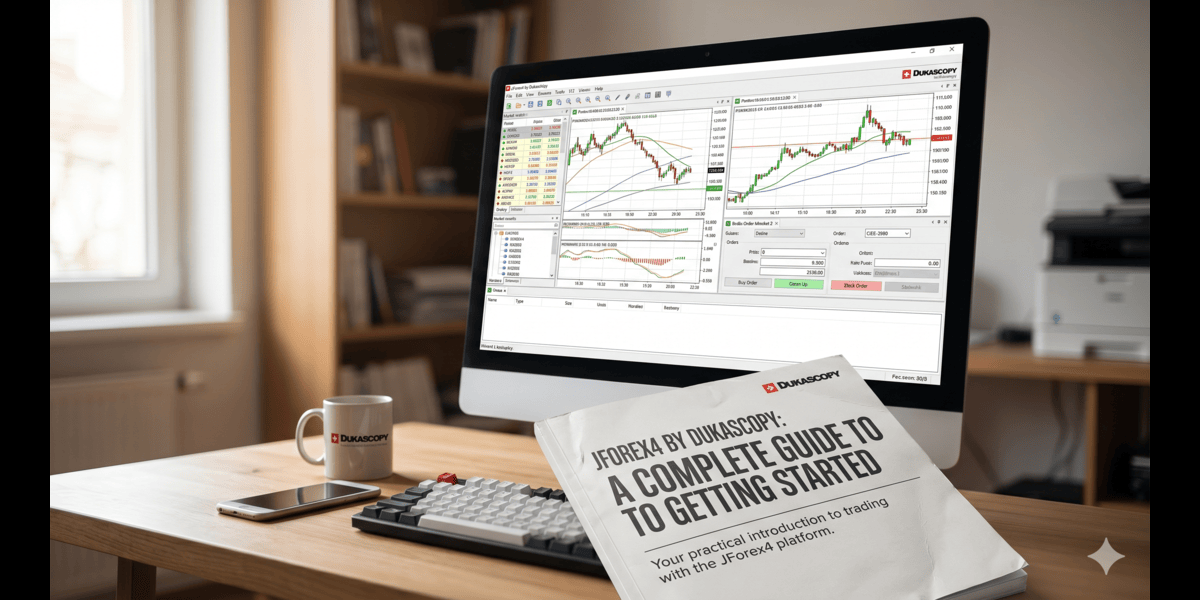
Whether you’re an experienced algorithmic trader or someone just stepping into the world of currency markets, having the right platform can make all the difference. Dukascopy Bank’s JForex4 is one of the most powerful and flexible trading environments available today — capable of supporting everything from simple manual trades to fully automated Java-based strategies. This guide covers how to get up and running, from initial download to placing your first order.
What Makes JForex4 Worth Your Attention
JForex4 is the fourth generation of Dukascopy’s proprietary desktop trading platform. What sets it apart from the competition is a rare combination: direct access to Swiss banking infrastructure, over 250 built-in technical indicators, tick-by-tick backtesting, and an integrated development environment for writing and deploying custom strategies – all within a single application.
Unlike MetaTrader, which limits automation to its own scripting language, JForex gives developers genuine freedom through a full Java API. You can build, test, and run multiple algorithmic systems simultaneously without ever leaving the platform. For quant traders who want institutional-grade tools without building infrastructure from scratch, this is a compelling proposition.
System Requirements and Pre-Installation Checklist
Before downloading anything, take a few minutes to verify your setup. JForex runs on Windows, macOS, and Linux, but only on 64-bit operating systems — older 32-bit hardware is not supported. The good news is that Java Runtime Environment (version 21) is bundled directly into the installer, so there’s no need to source it separately.
Key things to check:
- Storage: The platform requires roughly 275 MB for installation. If you plan to store years of historical tick data or run extensive backtests, allocate considerably more.
- RAM: The default memory ceiling is 768 MB, adjustable in Preferences. A minimum of 1 GB free RAM is advisable if you’ll be running multiple charts or strategy simulations.
- Disk type: A solid-state drive is strongly recommended for faster read/write operations, particularly relevant during backtesting.
- Permissions: Ensure you have read/write access to your chosen installation directory, especially on Linux. Without it, the platform cannot save preferences or historical data.
- Internet connection: Stability matters more than raw speed. A reliable connection ensures uninterrupted data streaming and order execution.
Downloading the Right Version
Dukascopy offers JForex in three formats, each optimized for a different use case:
Desktop is the full-featured application and the right choice for anyone serious about algorithmic development, advanced charting, or backtesting. It installs directly on Windows, Mac, or Linux.
Web runs in any modern browser with no installation required. It covers the core trading functions and is ideal when you’re working from a secondary machine or need to check positions quickly while traveling.
Mobile (iOS and Android) strips things down to what’s genuinely useful on a small screen: real-time position monitoring, order placement, and price alerts. It’s designed to complement the desktop experience, not replace it.
All three versions sync with your account in real time, so switching between them during the trading day is seamless.
Installing JForex
On Windows
Run the downloaded .exe installer and follow the on-screen wizard. You’ll be prompted to accept the license agreement, choose an installation directory (the default Program Files location works for most users), and optionally create desktop and Start menu shortcuts. Installation typically takes one to three minutes. Windows UAC may request administrator confirmation — click Yes to proceed.
On macOS
Open the downloaded .dmg file and drag the JForex icon into your Applications folder. On first launch, macOS Gatekeeper may flag it as an unverified download. Right-click the icon, select Open, and confirm. This is a one-time step; subsequent launches will open normally.
On Linux
Make the downloaded shell script executable with chmod +x JForex-Installer.sh, then run it with ./JForex-Installer.sh. The terminal-based installer walks you through directory selection and optional shortcut creation.
If you encounter errors during installation — permission issues, corrupted downloads, or compatibility problems — Dukascopy’s support team can assist directly.
Logging In: Demo vs Live
When JForex opens for the first time, you’ll see a login window with options to connect to a demo or live account.
Opening a forex demo account is the natural starting point for most traders. Registration takes just a few minutes and requires only basic information — no financial commitment or identity verification. You’ll receive login credentials by email almost immediately, granting access to a virtual trading environment funded with simulated capital (typically $1,000 to $1,000,000, depending on what you select during sign-up). Crucially, demo accounts connect to real market data, so price movements, spreads, and execution conditions reflect actual market conditions.
Demo accounts are not just for beginners. Experienced traders frequently use them to test new strategies, explore unfamiliar instruments, or evaluate platform features before committing real capital. One practical note: demo accounts expire after 14 days by default, though you can request an extension.
Live accounts require completing Dukascopy’s full onboarding process, including identity verification and an initial deposit. The interface is identical to the demo environment, making the transition straightforward when you’re ready.
Many traders keep both account types active simultaneously — using the demo for experimentation while executing proven strategies on the live account.
Navigating the Interface
JForex uses a modular, panel-based layout. The central workspace displays charts; the left sidebar holds your instrument watchlist; the bottom panel covers positions, pending orders, and system messages.
The top menu bar organizes functions into Reports, News, Services, View, Settings, and Help. Right-clicking any instrument in the watchlist brings up a context menu for opening charts or order panels. Charts can be detached into separate windows, which is particularly useful if you’re trading across multiple monitors.
The Positions tab updates profit and loss in real time, while the Orders tab tracks pending entries. The Messages tab shows platform notifications and important alerts.
Configuration Worth Doing Upfront
Open Preferences from the Settings menu and adjust a few things before you start trading:
- Time zone: Set this to your local time so that session open/close times, news events, and chart timestamps align with your schedule.
- Default order settings: Configure your preferred order type, default lot size, and whether to enable one-click trading. One-click removes confirmation dialogs, speeding up execution — use it carefully.
- Network/proxy settings: JForex typically auto-selects the best server connection, but if you experience disconnections, manual proxy configuration is available here.
- Sound alerts: Enable audio notifications for price levels, fills, and other important events so you’re not watching the screen constantly.
- Workspace auto-save: Configure how frequently the platform saves your layout so nothing is lost during unexpected shutdowns.
- RAM allocation: If you plan to run multiple charts and automated strategies simultaneously, increase the memory ceiling above the default 768 MB — provided your system has the headroom.
Placing Your First Trade
Choose an instrument from the watchlist — EUR/USD, GBP/USD, or USD/JPY are good starting points given their liquidity and tight spreads. Double-click to open the order panel.
Select your order type: a market order executes immediately at current prices, while a pending order waits until your specified price level is reached. For a first trade, market orders provide the clearest, most immediate feedback.
Enter your position size in lots, units, or millions. On a demo account, you can experiment freely to understand how leverage affects results. Before submitting, set a stop loss to cap potential downside and, optionally, a take profit to lock in gains automatically. A 2:1 reward-to-risk ratio is a widely used starting point — setting the take profit target twice as far from entry as the stop loss.
Once submitted, your trade appears in the Positions tab with real-time P&L tracking.
Advanced Features Worth Exploring
Strategy Automation: JForex’s Java API allows full programmatic control over order logic, risk management, and indicator calculations. Strategies can be developed, compiled, and deployed without leaving the platform.
Backtesting: The Strategy Tester runs automated strategies against historical tick data, generating detailed reports covering profit factors, maximum drawdown, and win rates. Testing thoroughly in a demo environment before going live is one of the most effective risk management practices available.
Market Depth: For supported instruments, the order book reveals pending orders at different price levels, helping identify potential support and resistance areas and understand liquidity conditions.
Economic Calendar and Alerts: The integrated calendar overlays scheduled economic releases directly onto charts. Price alerts notify you when an instrument reaches a specified level, so you can step away from the screen without missing setups.
Forex sentiment: Beyond charts and order flow, Dukascopy publishes a SWFX Sentiment Index – a real-time measure of how positions are distributed between buyers and sellers among the platform’s traders. Monitoring forex sentiment alongside price action gives a useful supplementary perspective, particularly when positioning appears heavily skewed in one direction.
Frequently Asked Questions
Can I install JForex on more than one device? Yes. You can install and log in on multiple machines using the same credentials. Positions, orders, settings, and chart objects sync automatically across all of them.
Does JForex require a live account? No. A demo account provides complete access to the platform’s full feature set, including automated trading, strategy testing, and advanced charting — with no financial commitment.
What is the minimum trade size? The minimum position size for currency pairs is 0.001 lots (1,000 units of the base currency, or one micro lot). This makes precise risk management practical even for smaller accounts.
How much disk space will JForex use over time? The base installation requires around 275 MB, but the cache folder grows as you download historical data for backtesting. Monitor and manage its location via Preferences → Paths.
Final Thoughts
JForex4 rewards the time invested in learning it. The combination of institutional-grade tools, genuine cross-platform compatibility, and a full programming environment makes it one of the most capable retail trading platforms available. Starting with a demo account costs nothing and puts the entire feature set at your disposal immediately — a low-friction way to explore whether the platform fits your trading style before any capital is at risk.
Disclaimer: The information provided is not trading advice, Bitcoinworld.co.in holds no liability for any investments made based on the information provided on this page. We strongly recommend independent research and/or consultation with a qualified professional before making any investment decisions.