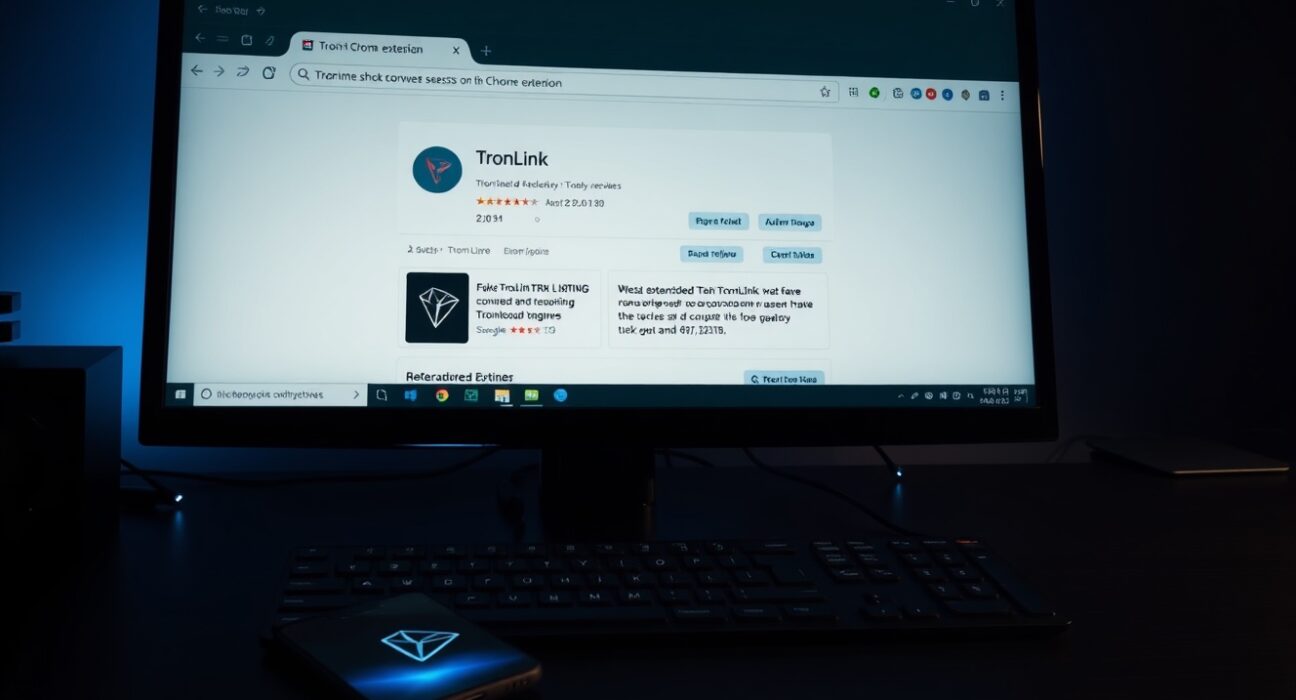
Blockchain security firm SlowMist has uncovered a phishing campaign specifically targeting Tron (TRX) users through a malicious Chrome extension designed to impersonate the official TronLink wallet. The discovery highlights a growing trend of browser-based attacks aimed at cryptocurrency holders.
How the Fake Extension Operates
According to SlowMist’s analysis, the attackers created a Chrome extension with a name nearly identical to the legitimate TronLink wallet. The extension was listed on the Chrome Web Store and featured artificially inflated download counts and fabricated positive reviews to build false credibility with potential victims.
Once installed, the malicious extension monitored user activity and captured sensitive wallet information — including seed phrases, private keys, and wallet passwords — as users entered them. This stolen data was then transmitted directly to the attackers via a Telegram bot, giving them full control over the compromised wallets.
Immediate Risks for Tron Users
Phishing campaigns that target browser extensions are particularly dangerous because they operate within the user’s normal workflow. A user who believes they are interacting with a legitimate wallet interface may unknowingly hand over their credentials. SlowMist noted that the extension’s fake reviews and download numbers were designed to bypass the user’s initial skepticism.
What Users Should Do Now
SlowMist has issued a clear set of recommendations for anyone who may have installed a suspicious extension. First, users should immediately delete any unrecognized or unverified Chrome extensions, especially those claiming to be TronLink. Second, clearing all browser data — including cache, cookies, and stored site data — is essential to remove any lingering malicious scripts.
For those who suspect their wallet information may have been exposed, the security firm advises creating an entirely new wallet and transferring all assets to the new address. Continuing to use a compromised wallet risks total loss of funds.
Broader Implications for Crypto Security
This incident is part of a wider pattern of phishing attacks targeting cryptocurrency users through fake browser extensions. In recent months, similar campaigns have impersonated wallets for Ethereum, Solana, and other major blockchains. The use of Telegram bots to exfiltrate data is also becoming more common, as it allows attackers to receive stolen information in real time without relying on a centralized server.
Users are reminded to always verify the authenticity of browser extensions by checking the developer’s official website, reading independent security reviews, and confirming the extension’s total user base through trusted sources. Official Chrome Web Store listings from verified developers typically display a blue checkmark or a verified publisher badge.
Conclusion
The SlowMist warning serves as a critical reminder for Tron users to remain vigilant against increasingly sophisticated phishing tactics. As cryptocurrency adoption grows, so does the creativity of attackers seeking to exploit user trust. Taking proactive steps — such as verifying extension sources, using hardware wallets for long-term storage, and monitoring wallet activity — remains the best defense against these evolving threats.
FAQs
Q1: How can I tell if a Chrome extension is the real TronLink wallet?
A1: Always download the TronLink wallet directly from the official TronLink website or the Chrome Web Store listing verified by the developer. Check the publisher name, number of users (legitimate TronLink has millions), and look for a verified publisher badge. Avoid extensions with few downloads or suspicious reviews.
Q2: What should I do if I already installed the fake extension?
A2: Immediately remove the extension from Chrome, clear all browser data (cache, cookies, stored passwords), and create a new wallet. Transfer all assets from your old wallet to the new one. Consider using a hardware wallet for enhanced security.
Q3: Can this type of attack affect mobile wallets?
A3: This specific attack targets Chrome extensions, which are primarily used on desktop browsers. However, similar phishing techniques exist for mobile platforms through fake apps. Always download wallet apps from official app stores and verify the developer’s identity before installing.
Disclaimer: The information provided is not trading advice, Bitcoinworld.co.in holds no liability for any investments made based on the information provided on this page. We strongly recommend independent research and/or consultation with a qualified professional before making any investment decisions.