Google announced on Tuesday a series of five Android updates aimed at improving accessibility, personalization, and everyday utility, including a new feature to help reduce motion sickness and a Gemini-powered tool for blind and low-vision users.
What are the new Android features?
The updates, detailed in a Google blog post, include Motion Assist, Guided Vision, a Gemini-powered item reminder, Google Keep integration in Google Messages, and new chat personalization options. Some of these features mirror existing iPhone capabilities, while others leverage Google’s Gemini AI to offer unique functionality.
Motion Assist: Tackling motion sickness
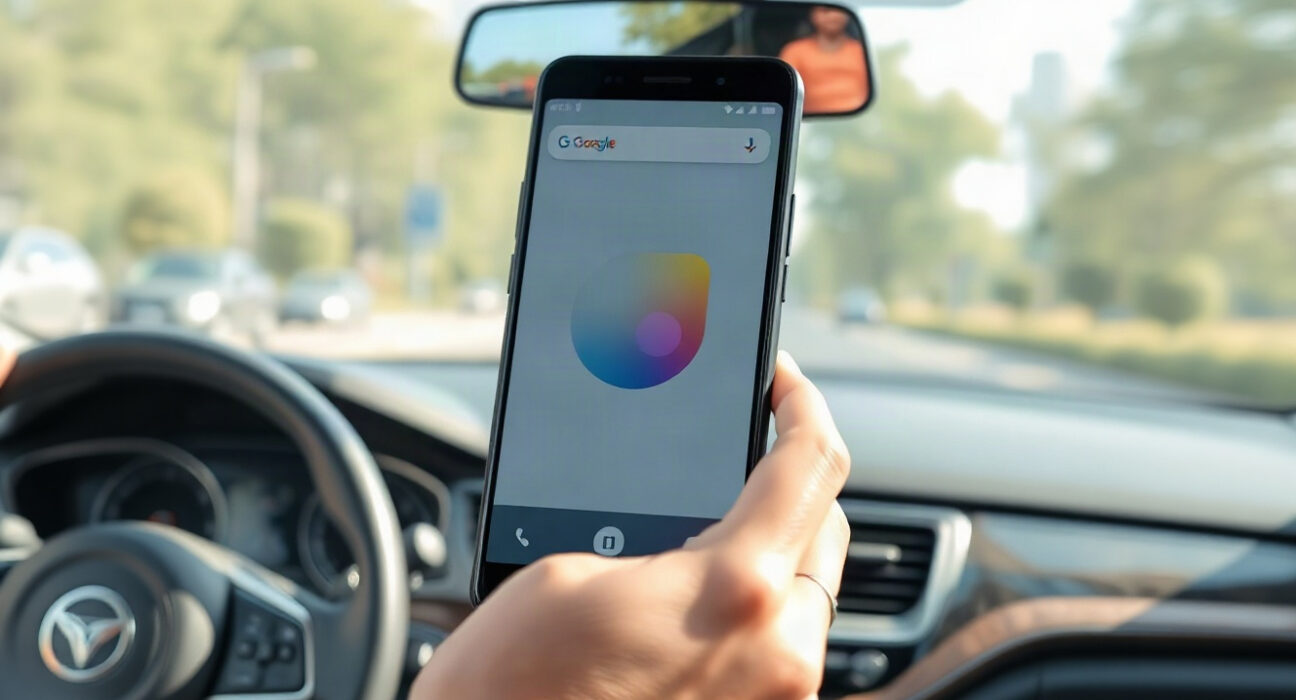
Motion Assist is designed to alleviate motion sickness when using a phone in a moving vehicle. It adds a bubble overlay to the screen that moves in response to the vehicle’s motion, helping to reduce the sensory disconnect between what users see and what their bodies feel. This concept is similar to Apple’s ‘Vehicle Motion Cues’ introduced in 2024, which uses animated dots around the display edges. Users can set Motion Assist to activate automatically, add it to Quick Settings, and customize the bubble’s shape, color, and transparency. The feature is available to Android 17 users.
Guided Vision: AI assistance for blind and low-vision users
Guided Vision combines the phone’s camera with Gemini to assist blind and low-vision users with tasks like reading small print on food labels, viewing menus in dark restaurants, or identifying objects around the house. The feature provides voice guidance when the camera is not positioned correctly, telling users to move the phone, pan around, or center an object. Guided Vision will be available on phones running Android 9 and newer in countries where Gemini is available.
Gemini-powered item reminders and Find Hub integration
Another update introduces a ‘remembered items’ section in Find Hub, allowing users to tell Gemini where they’ve stored important items. For example, a user could say they put their passport in a bedroom drawer, and Gemini saves that information in Find Hub. Users can also attach photos to make items easier to identify later. This feature aims to reduce the frustration of misplacing essentials.
Google Messages: Keep integration and personalization
Google is adding a Google Keep integration to Google Messages, enabling users to share and edit grocery lists, vacation notes, and other information directly within a conversation. Additionally, Google Messages is getting more personalization options, allowing users to customize individual chats with backgrounds, photos, and colors, with text bubbles automatically matching. Apple added a similar custom background feature to Messages last year.
Why it matters
These updates reflect Google’s continued focus on leveraging AI to enhance accessibility and user experience. While some features play catch-up to Apple, the Gemini-powered tools, such as Guided Vision and item reminders, offer distinct capabilities that could set Android apart. For users, these features promise more convenient, personalized, and inclusive mobile experiences.
Conclusion
Google’s latest Android updates demonstrate a commitment to addressing real user needs, from reducing motion sickness to aiding navigation for the visually impaired. By integrating Gemini AI into practical tools, Google is not only enhancing functionality but also reinforcing its position in the competitive smartphone market. As these features roll out, users can expect a more accessible and personalized Android experience.
FAQs
Q1: When will Motion Assist be available?
Motion Assist is available to Android 17 users, according to Google’s announcement.
Q2: How does Guided Vision work?
Guided Vision uses the phone’s camera and Gemini AI to help blind and low-vision users with tasks like reading small print or identifying objects, providing voice guidance for camera positioning.
Q3: Can I use the Gemini item reminder on any Android phone?
The ‘remembered items’ feature in Find Hub is part of the new updates, but availability may vary based on device and region. Check Google’s official support pages for specifics.
Disclaimer: The information provided is not trading advice, Bitcoinworld.co.in holds no liability for any investments made based on the information provided on this page. We strongly recommend independent research and/or consultation with a qualified professional before making any investment decisions.